Reboot a Windows node
CFUTIL NTREBOOT \\machinename | THISNODE
This utility causes an immediate shutdown and reboot on the named node, or on the current machine if the keyword THISNODE is given. You require sufficient privileges on the machine to be shut down in order to successfully complete the shutdown. You can determine (and if authorized, change) who has Shutdown Privilege on the Windows machine you wish to shut down by going to:
Start
Settings
Control Panel
Administrative Tools
Local Security Policy
Security Settings
Local Policies
User Rights Assignment
Shut down the system...
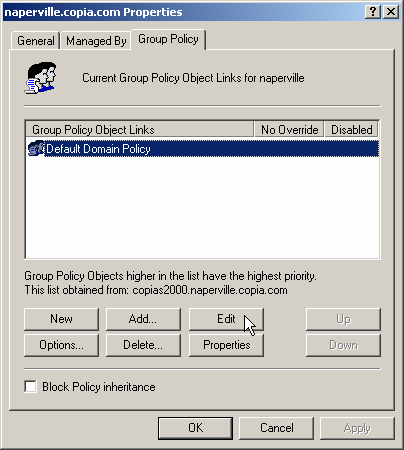
In an Active Directory environment, additional steps may be needed. See this example

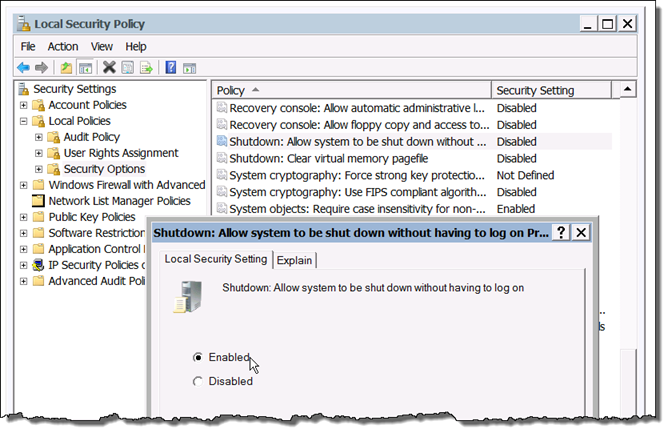
To reboot Windows Server machines, you may also need to enable the ability to shut down without having logged on to the system. See this example
Examples:
To reboot the current machine:
NTREBOOT THISNODE
To reboot the machine named PROLIANT:
NTREBOOT \\PROLIANT
