These are settings that allow you to restrict the sender domain or IP address or receiving or fax domain. This is done on the restrictions tab.
 | Most sites do not need to use the lists on this page. |
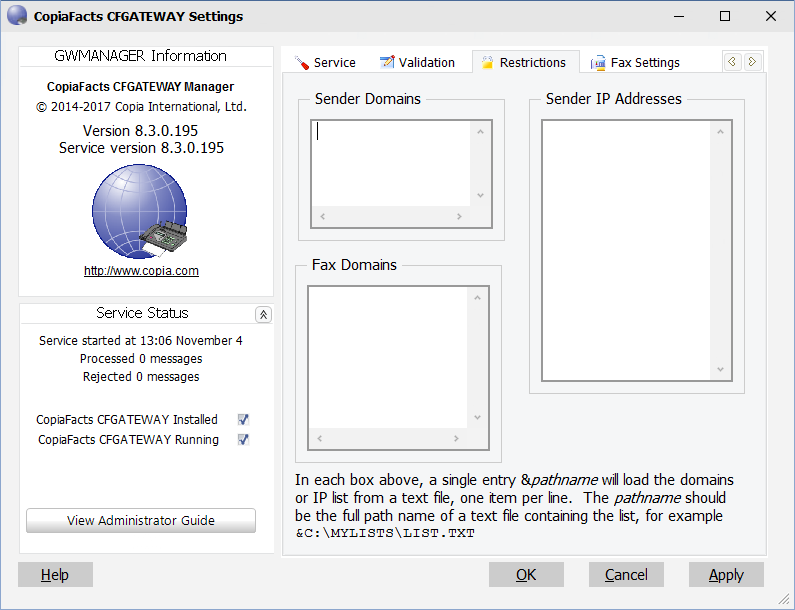
You enter each domain or IP mask on a separate line in the appropriate section. There is no limit on the number of entries. You may use standard editing functions, including cut and paste, on these entries. You must just use a separate line for each entry. These restrictions allow the gateway to reject messages up front and should be used to block unwanted traffic, especially if your gateway is open to the Internet. This will prevent it from being mistaken as a relay server even if authentication is not required.
Hint text for each of the boxes describes what happens to the entries you make in these fields.
Any email messages sent to the gateway from domains other than those in the sender domains list or to recipients at domains other than those in the fax domain list will be rejected with SMTP 500 errors. If you include IP mask entries, the sender IP address will also be checked for a match against the mask and will be rejected if it does not match.
