If you have ordered a personal signing certificate and it has been delivered and installed into Chrome, you can save it for use in CopiaFacts.
Go to the Tools / Options page in Chrome and select Under the Bonnet, then Manage Certificates:
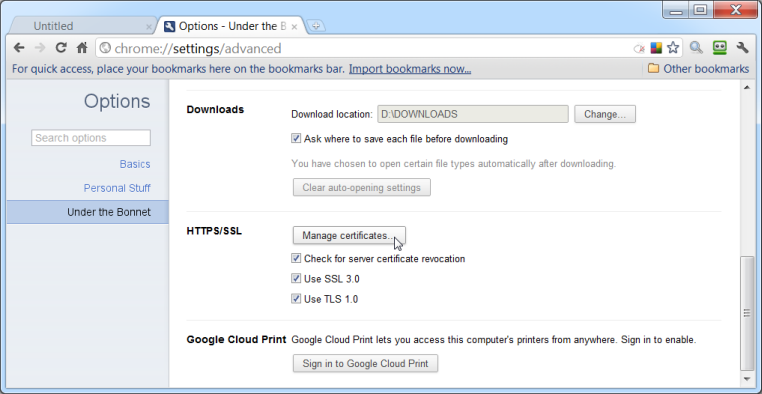
This will take you to the Certificate Export Wizard and you can proceed as for Saving your own certificate from Internet Explorer.
