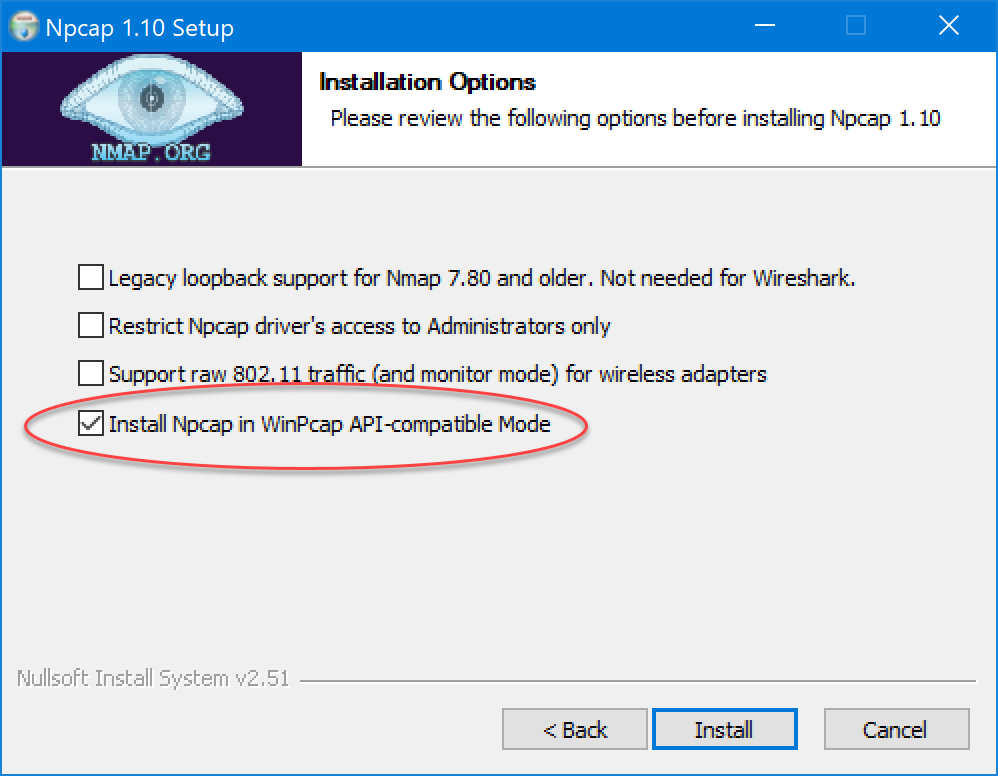
The Wireshark network analyzer is often needed to resolve FoIP and VoIP issues. You can also optionally use the WinPCAP or NPCAP driver with CFSMSERVICE to capture network packets. One of these drivers is usually installed with Wireshark.
To install Wireshark, download it from https://www.wireshark.org/download.html and follow the steps illustrated in this topic. Note that the dialogs may change slightly from version to version.
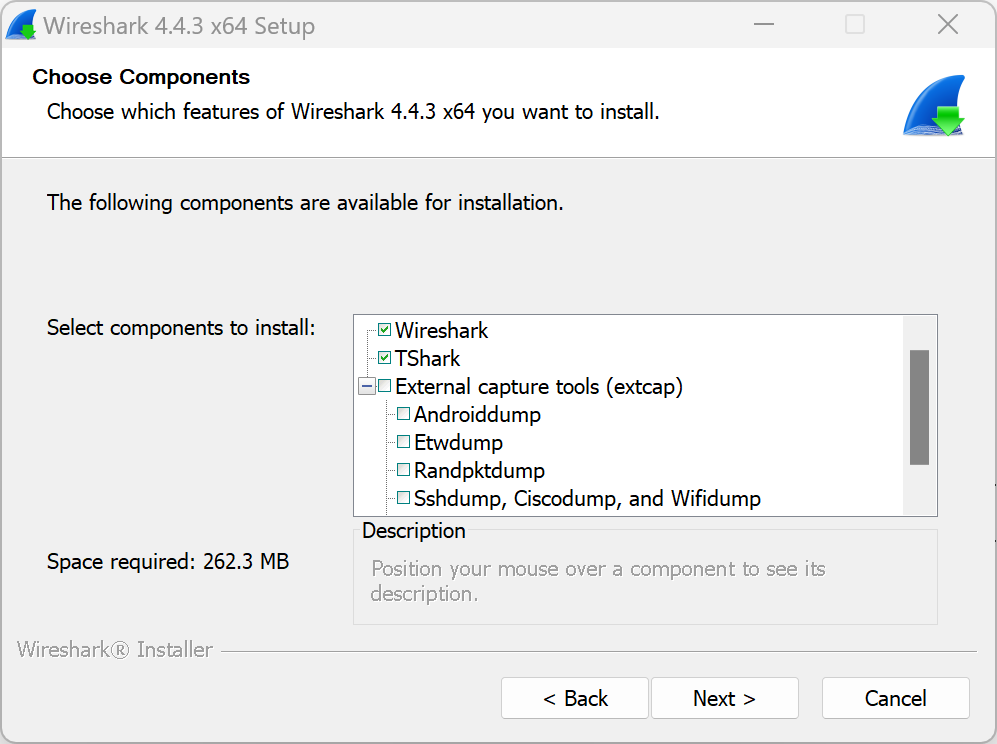
Accept the defaults on the first dialog:
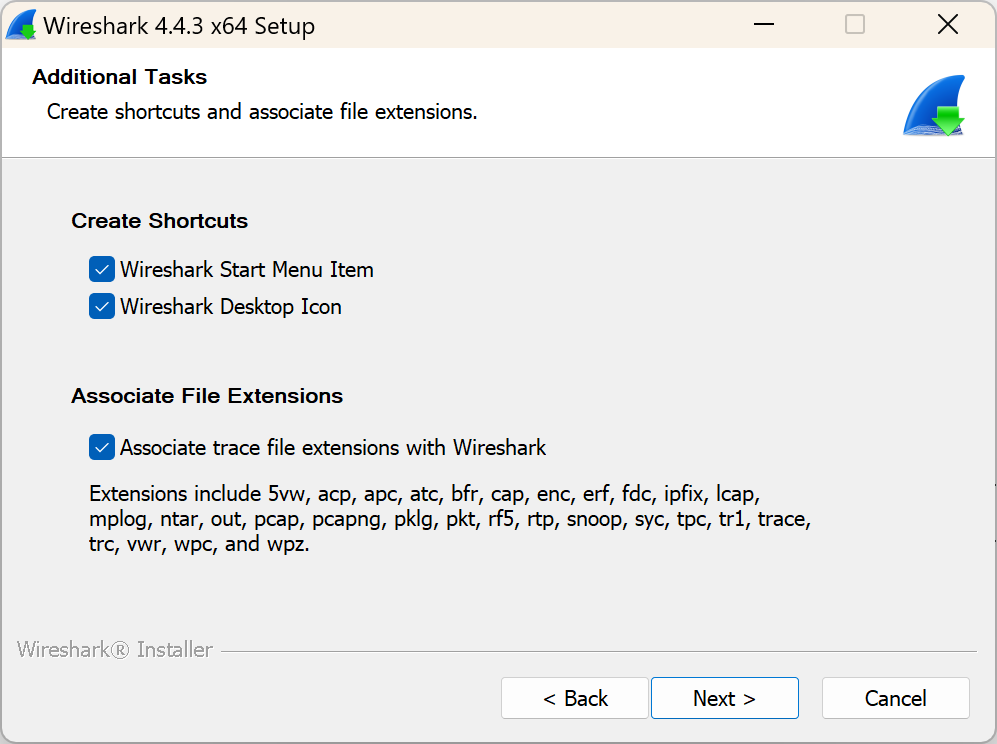
We recommend associating Wireshark files, to allow them to be opened from Explorer.
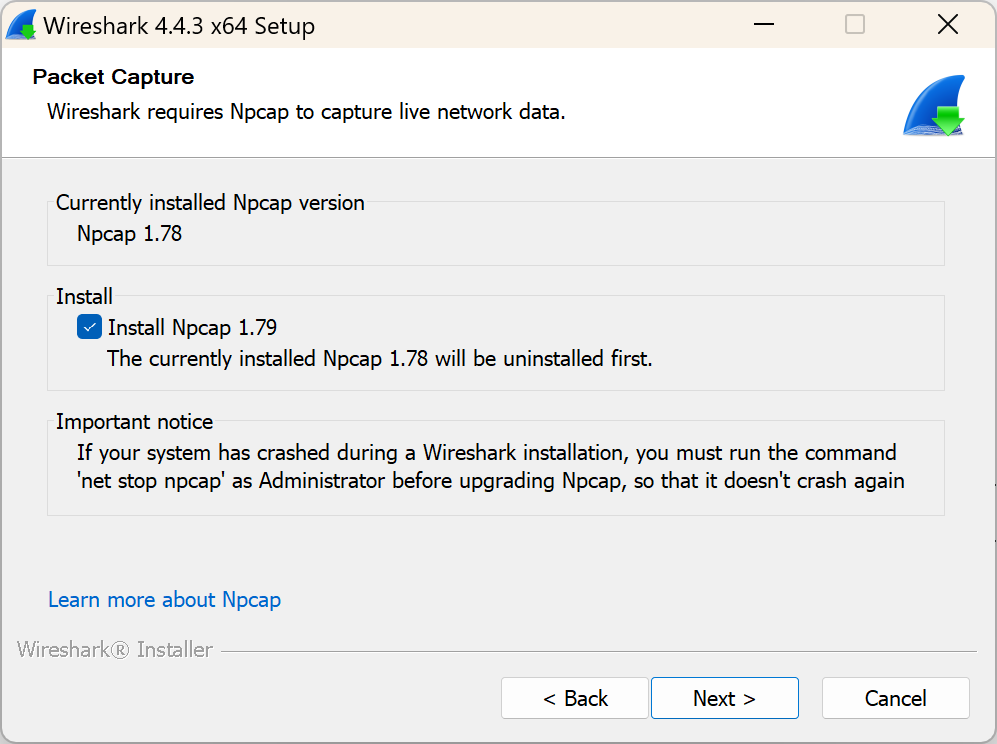
Install the latest Npcap version. If you are using CFSIPMON and it has trouble finding an already-installed PACKET.DLL, uninstall the PCAP driver and re-install with the option in the last screen below checked.
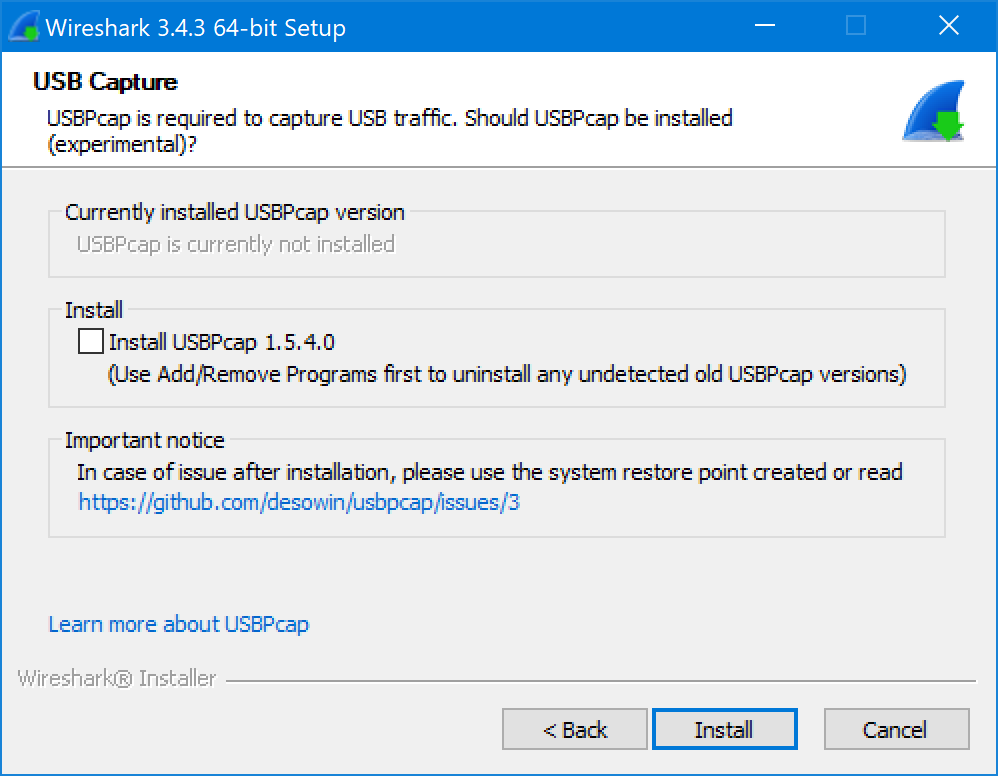
You normally do not need USBPcap unless your system uses a USB network adapter:
To use the PCAP monitoring in CFSIPMON, the WinPCAP API option is required (but this option is automatic on later Wireshark releases and this dialog will not appear in the installer):