The CFTEST Utility collects seven utilities in a single executable program. The principal purpose of these utilities is to allow you to test the use of various CopiaFacts features without the need to place a call or set up the whole application.
You can copy CFTEST.exe to any of the program names below (for example to TESTFS.EXE) and it will simply act as if it was the single program. If you do this, please make a note to re-copy the file after upgrading.
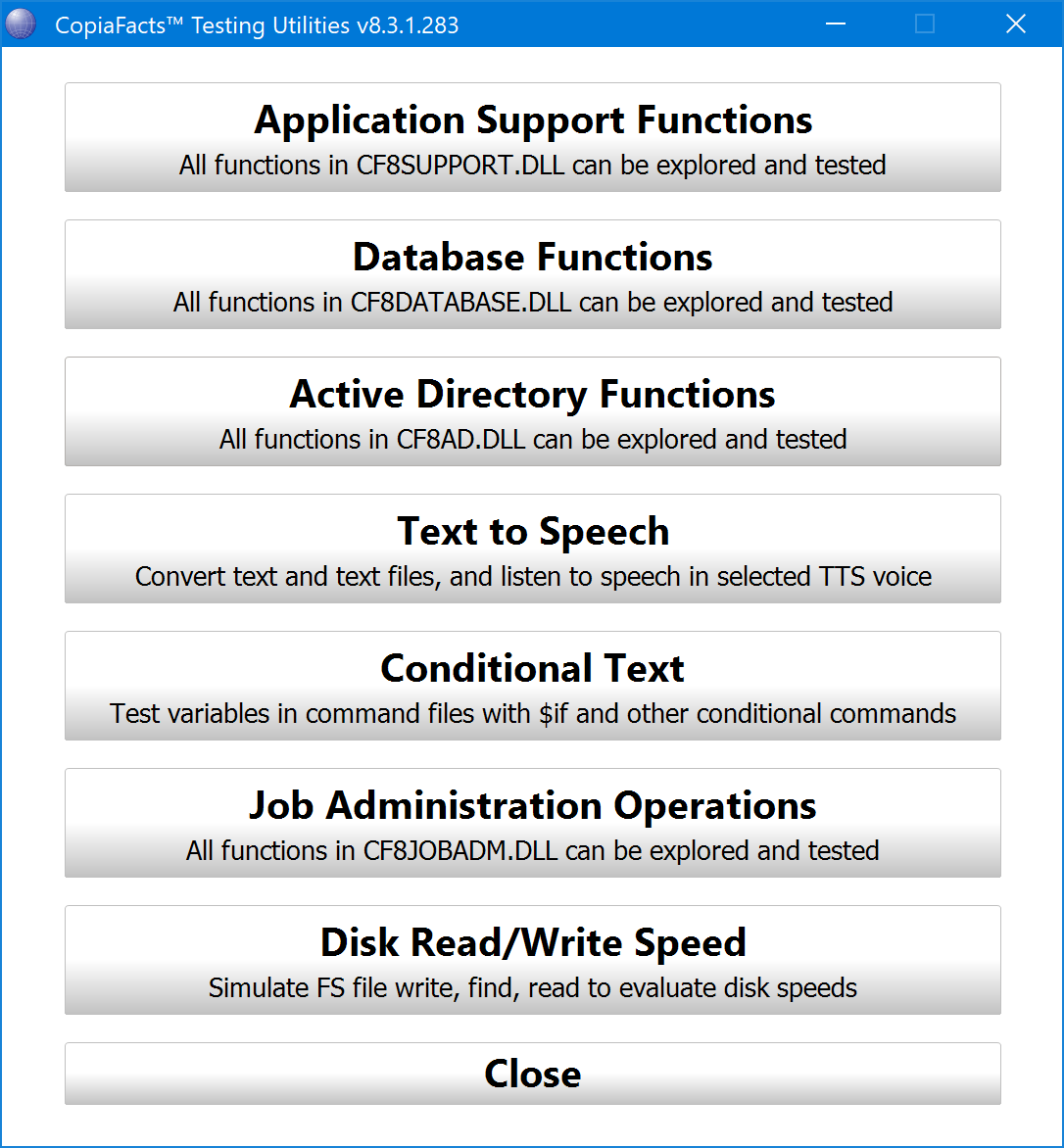
The seven included programs comprise:
DLLTEST - Job Administration Operations
For users of the CopiaFacts Job Administration feature, this utility allows you to set the parameters for any of the 73 provided functions in the Job Administration DLL (CF9JOBADM.DLL), and then call the function and examine the results. This allows you to check any custom applications which you use to provision or launch jobs.
FFTESTAD - Active Directory Functions
This utility can be used to check your connection to AD and to test the retrieval of user data in preparation for using CopiaFacts Active Directory Integration. It will load CF9AD.DLL to do this.
FFTESTAS - Application Support Functions
This utility allows you check the syntax, set parameters and make a call to any of the 74 provided functions in the Application Support Library (CF9SUPPORT.DLL). This allows you to check the output and test your infobox operations without having to set up a call to your infobox.
FFTESTCT - Conditional Text
You can use this utility to load an example text file or FS file containing variable definitions, then a block of text which includes conditional statements using the variables, to check that your logic produces the correct output. All of the CopiaFacts conditional statements are supported, including $repeat/$until.
FFTESTDB - Database Functions
This utility provides access to your database for test purposes. It includes all the functions of the Database Interface Library, which you can test separately from the infoboxes in which you plan to include the functions.
FFTESTTS - Text to Speech
This utility has two functions connected with Text-to-Speech applications: it can allow you to listen to spoken text, either short messages or spoken from files, when played on the audio output of your computer with different voices; and it can also save fixed-content messages as WAV files. The WAV files can be integrated with other spoken variable text in your TTS application. The utility also allows you to experiment with SSML and XML markup in the text.
TESTFS - Disk Read/Write Speed
This utility is designed to record timings of typical FS-file operations in different hardware and network target folders. Because it writes, searches for, and reads FS file in the same way as the COPIAFACTS engine, it can provide a realistic view of performance. If you have copied CFTEST.exe as TESTFS.exe it can be run without a Copia environment and license files being present.
