Adding and Modifying Boards and IP Ports
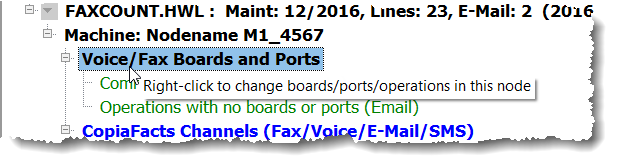
To add or change the boards and IP ports which are to be configured in the node, right click the line reading 'Voice/Fax Boards and Ports':
This dialog is also needed to specify whether the machine will be used for operations which do not require boards and/or IP ports: that is for e-mail, SMS, and admin or maintenance tasks (worker box):
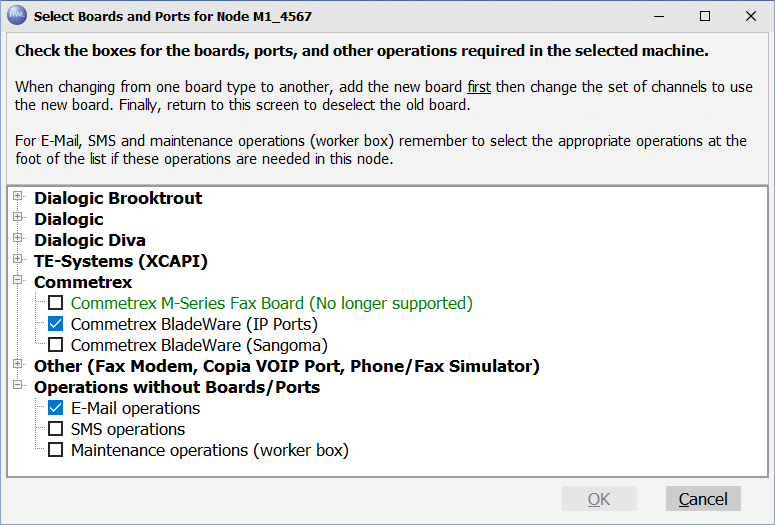
Check the boxes for the boards you have installed, opening the sections as necessary. If you have unchecked any box, a confirmation dialog will be presented when you click OK to warn that this may cause channel operations and features to be removed.
 | See also the Reducing License Capacity subtopic |
